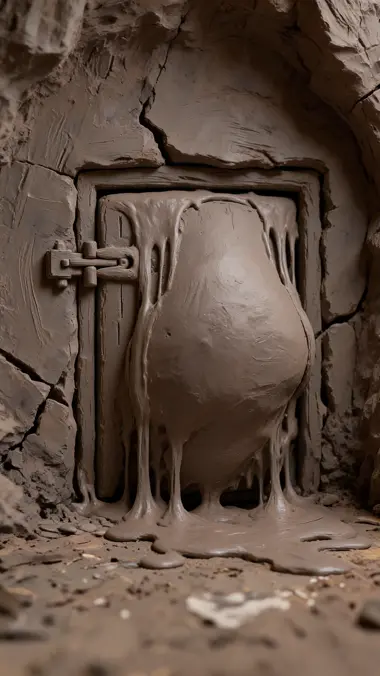
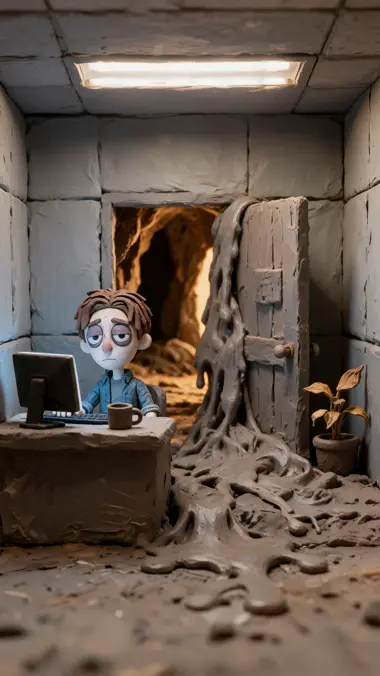
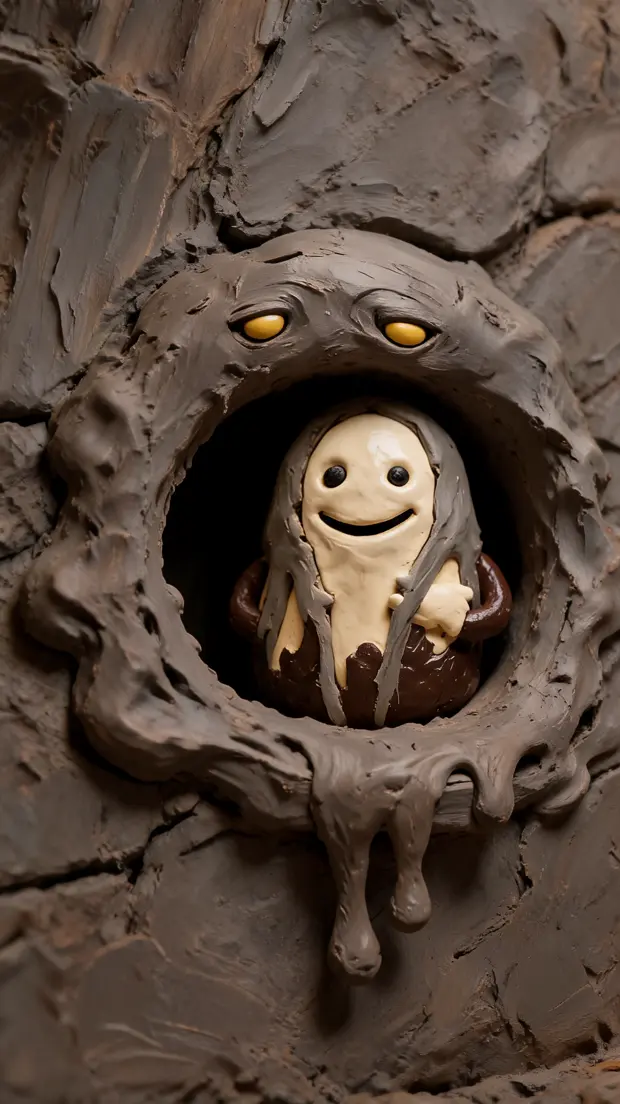
That is a model's ceiling, not a setting: the longest single generation in the catalog ends there. A storyboard is how a video goes past it: this one runs 32 seconds as a finished explainer, cut into 7 scenes that were each generated on their own.
32s total
15s
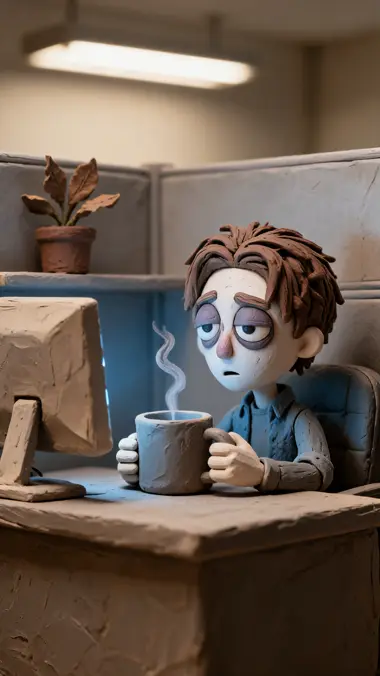
Scene 1: It is not the coffee
Your coffee stopped working. It's not the coffee.
24s
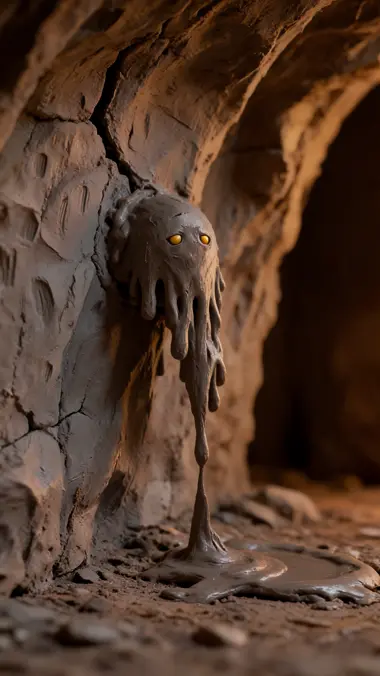
Scene 2: The sludge
Every hour you're awake, your brain makes adenosine.
35s
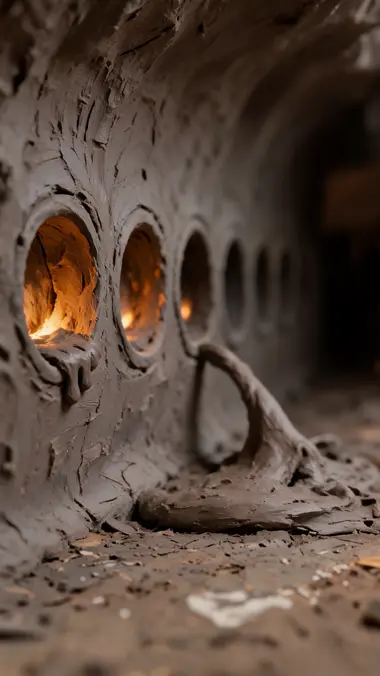
Scene 3: Every one it fills
It fills little sockets. Each one it lights makes you sleepier.
44s
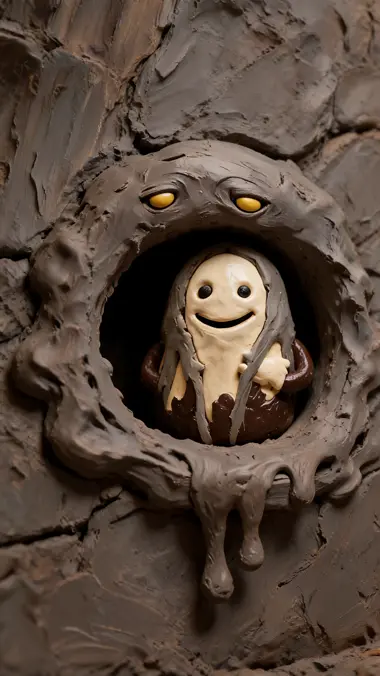
Scene 4: Caffeine is a fake
Caffeine doesn't remove it. Caffeine is a fake.
55s
Scene 5: The same shape
Same shape. It plugs the socket without lighting it.
65s
Scene 6: Right behind the door
The adenosine keeps piling up, right behind the door.
74s
Scene 7: That's the crash
Caffeine wears off. The door opens. That's the crash.
One card
Redo one scene. The other six never move.
A scene is a row of its own, with its own start frame, its own motion prompt and its own take. Open the one that came back wrong, change the prompt, run it again, and nothing else in the video is touched or re-charged.
55s
Motion prompt
Camera: very slow push in on the socket over the whole shot. Action: the impostor wriggles and settles deeper into the socket, and the socket stays dark and cold the whole time…
Clip model
Seedance 2.0
What the redo costs
75
The start frame is already made, so a redo pays for the clip alone.
Three stops
Not every beat has to move.
A scene answers one question with three stops, and two of them are free. Hold the frame. Push in on it — the renderer draws that move itself, so it costs nothing. Or hand the frame to a clip model, which is the only stop that spends. A held beat runs as long as you say — down to 0.2 seconds, and with no model's ceiling over it.
35s
StillMoveAnimate
StillFree
The frame, held. It is already made, so holding it longer is the one edit that changes nothing else.
35s
StillMoveAnimate
MoveFree
Push in, pull out, pan left, pan right. The renderer is re-encoding that frame anyway, so the camera rides along.
Push inPull outPan leftPan right
Animating…35s
StillMoveAnimate
Animate75 credits
The beat gets shot. One clip model, one take, and the only number on this row.
The stop is a property of the scene, not a render setting. Peel a clip back off and the move, the prompt and the length are all still there.
Takes
A second try never costs you the first.
Press again and the new take lands beside the last one instead of over it. Each one keeps its own record — the prompt it ran, the model that ran it, what it cost — and the video goes on pointing at the take you chose until you say otherwise.
Take 175 spent
In the video
Take 275 spent
Take 375 spent
On stage
Use in video
New take
Camera: very slow push in on the socket over the whole shot. Action: the impostor wriggles and settles deeper into the socket, and the socket stays dark and cold the whole time…
Seedance 2.075 spent
Take 3On stage
Looking at a take and choosing it are two different presses. That is the whole reason you can put three side by side and take your time.
Branches
One board. Two videos. Six scenes in both.
Draw one more connector — scene 4 straight to scene 6 — and the same board carries two cuts at once: the long one through the impostor beat, and a short one that goes for the door. Six of the seven scenes belong to both, so fixing one fixes both, and nothing was copied to make the second. A board holds up to 100 cuts this way, and export hands you every one that is ready.
All videosDownload all
Video 17 scenes · 0:32Ready1234567
Video 26 scenes · 0:27Ready1234567
Scene 6 has two ways in and one way out. Scene 7 ends both cuts, and it exists once.
The assistant
Or say it, and watch it land on the board.
The assistant reads the board you are looking at and works on it — writes the scenes, casts them, rewrites one prompt, orders the takes. A job that spans several scenes comes back as a plan first: every step priced by the same estimator that will charge you, one press to approve it, one press to say no. And every session carries a ceiling on how far it may go on its own.
Making the crash land
The crash doesn't hit. Hold the last beat two seconds longer and give me new takes on 5, 6 and 7.
Read the board7 scenes · 2 videos
Scene 7 · length4s → 6s
Scene 7 goes long first, so its take is quoted at the length it will really run. Here is the whole job before anything spends:
Plan4 steps
7Hold scene 7 to 6 secondsNo charge
5New take · scene 575
6New take · scene 675
7New take · scene 7 · 6s90
Total240Not nowApprove · 240
It quotes before it spends.Every priced step is re-estimated on the server before you ever see the number. A guess never becomes a charge.
It keeps going without you.Approve, and the plan runs in the background for up to an hour. Close the tab; come back to a board that moved.
One undo takes the whole turn back.A turn is a single step on the board's history, whoever made it — you, the assistant, or an agent. ⌘Z returns the board and leaves the conversation standing.
It remembers how you work.Up to 5 standing directions you write once — everything is claymation, keep the beats under four seconds — ride along with every turn, and with the plans it runs while you are away.
Then put sound under it — against the scenes, not against a clock.
The strip under the board measures the cut you have selected. Drop in a voice-over, a bed, a door slam: each one anchors to a scene, so when you re-order, re-cut or lengthen a beat, the sound goes with it instead of drifting out of sync. Trim it at the source, loop it, set its level — and the preview you watch reads the same timeline the export does.
Voice-overFrom scene 1 · the whole cutOnce0 dB
Music bedFrom scene 1 · loops to the endLoop-16 dB
Door slamFrom scene 7 · +0.4sIn full-6 dB
Up to 12 sounds on a board, every one trimmed at its source — nothing is stretched to fit. And a sound anchored to a scene on the other branch simply does not play in this cut.
The finished cut
And here is what came out.
The same seven scenes, joined, with the voice-over and the music bed under them. Nothing on this page is a mock-up of it: the strip above is its own start frames, and the card is its fifth scene.
Why your coffee stopped working27 seconds
Made withSeedream 5 LiteSeedance 2.0Gemini 3.1 Flash TTSMMiniMax Music 2.6